Saving a configuration as a new .TPX file
- From the File menu, click Save As.
You see the Save Connection As dialog box.
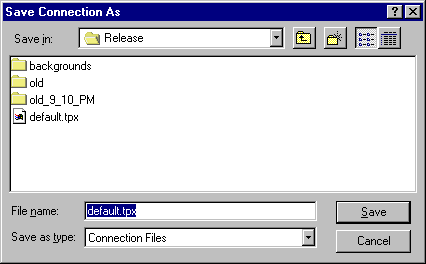
- Options available include:
- Look in. The active folder (directory) name displays in this box. Use the down arrow
for a list of available folders to select from.
- File name. Type the name of the file, or select it from the files selection box.
- Save as type. Use the down arrow for a list of available file types to select from.
- To accept the new settings, press ENTER or click Save. To reject the new settings, press ESC or click Cancel.